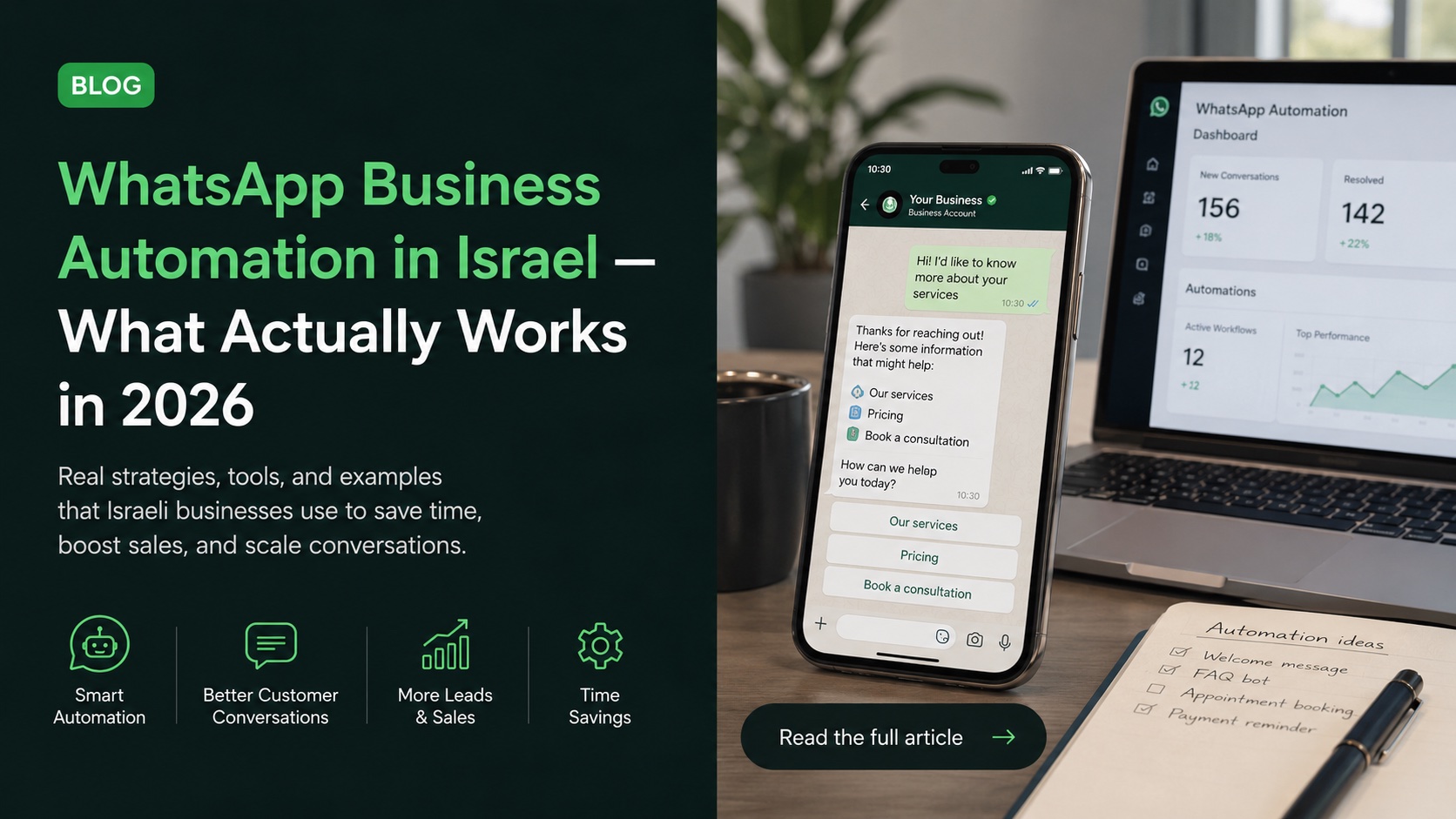
In Israel, WhatsApp isn’t “another channel” — it’s the default communication channel for most customers. Daily penetration in the adult population is above 95%, which makes WhatsApp a critical commercial infrastructure for SMBs.
But “turn on WhatsApp automation” is a vague phrase hiding technical decisions with business consequences — including the risk of getting a business number blocked. This article lays out the map: what’s possible, what’s allowed, and what not to do.
Why WhatsApp Is #1 in Israel
Before talking automation, you need to understand the cultural and commercial environment of WhatsApp in Israel:
- Among the highest penetration rates in the world — over 95% of the adult population are active users
- Fast responses are the default expectation — an Israeli customer expects a WhatsApp reply in minutes, not hours
- Two-way conversation preferred over email — email feels formal and heavy to an SMB; WhatsApp is the default
- Groups and voice notes — the customer experience is built around flexible formats
For a business that isn’t effectively present on WhatsApp, silent lead loss is happening — customers send a message, don’t get a reply within an hour, and move to a competitor.
What You Can Do with Automation (Legally, Effectively)
The main categories of WhatsApp business automation:
1. Auto-Response to Inbound Inquiries
A customer sends the first message, the AI agent replies in seconds. This is the most common case and within this window Meta imposes no usage limits — every message within 24 hours of the customer’s last reply is free.
See the WhatsApp automation service for the technical explainer.
2. Appointment Reminders and Service Messages
Requires a Meta-approved template. A typical template: “Hi [name], a reminder of your appointment tomorrow at [time]. Reply 1 to confirm, 2 to reschedule.” The template is submitted to Meta for approval — usually 24–48 hours.
This is fully legitimate, and it’s one of the most successful use cases. It reduces no-show rates by 30–50% in some of the clinic owners we’ve interviewed (estimate).
3. Order Status Updates (for Online Stores)
“Your order has shipped,” “Your order arrived at the distribution center.” See online stores for details. This also requires a template.
4. Surveys and CSAT Forms
After an interaction (appointment, purchase) — a short survey. Customer opt-in is mandatory beforehand.
5. Lead Warm-up and Qualification
An AI agent on the WhatsApp edge that helps qualify: matching lead → CRM, non-matching → polite explanation. See AI agent for business.
What’s Forbidden — or Risky
It’s important to know where the red lines are. Violations risk getting the business number blocked or losing your Meta Business account:
1. Outbound Messaging Without Opt-in
Sending a marketing campaign to a contact list that didn’t explicitly consent — a block is almost guaranteed. You need documented consent.
2. Outbound Messages Outside an Approved Template
If you want to send a business-initiated message after the 24-hour window — you must use an approved template. “Free-form” outbound will get blocked.
3. Sending to Regular WhatsApp from an Unverified Business Number
Before integrating the Cloud API, you have to complete business verification with Meta. Businesses that skip it get their personal version blocked when commercial use is detected.
4. Sending Suspicious Links
Meta filters messages with links flagged as spam. If your store pays for a “boost,” Meta will detect and block it.
5. Tangled Identities
Using the same number for personal WhatsApp, the Business App, and the Cloud API is impossible. You need a clean separation upfront.
The Right Path — Cloud API + a Responsible Provider
The only path to real, legal, stable automation is Meta’s WhatsApp Cloud API. See the full WhatsApp Cloud API guide for an in-depth explanation.
The practical summary:
- Open Meta Business Manager — an account for your business
- Complete business verification — registration documents, owner details. A 1–7 business-day process
- Connect a toll-free or separate mobile number — you can’t connect a number used on personal WhatsApp
- Define message templates to your needs (reminders, status, order confirmation)
- Connect the API to an AI agent and a CRM — without this step, the API is just a “pipe” with no intelligence
A good provider does all of this turnkey. You can also DIY, but the block risk is higher if something is misconfigured.
Illustrative Case — a Clinic (Hypothetical Scenario)
A central-Israel clinic with 80 WhatsApp conversations per day. Before automation (illustrative scenario):
- 80 conversations → secretary handles 50, 30 go unanswered
- Appointment no-show rate: ~22%
- Average response time: 47 minutes
After automation (illustrative scenario):
- 80 conversations → AI agent handles 60 automatically, secretary handles 20 complex ones
- No-show rate: ~12% (automatic reminders 24h ahead)
- Average response time: 3 minutes
The numbers above are a hypothetical model, not a real case-study figure. We’ll provide verified cases after broader launch.
Common Mistakes We’ve Seen
From inbound calls with customers who got burned in the past:
- Bought a marketing template without Meta approval → number blocked within a week
- Used the Business App instead of Cloud API → not enough for a business with 4 agents → manual maintenance ballooned
- Picked a cheap provider using Personal WhatsApp with technical “tricks” → mass block once the number was flagged as commercial
- Didn’t define operating hours → agent answered at 3 a.m., customers got context-free replies
How to Choose a Provider
If you’re evaluating WhatsApp automation providers, ask these questions:
- Do you work through Meta’s official Cloud API?
- Who owns the toll-free / business number after setup — us or you?
- What happens in case of a block — is it your responsibility?
- Do you handle template approvals with Meta?
- What’s included in the monthly subscription vs. what’s an add-on?
A provider who dodges these questions is a red flag.
Summary
WhatsApp is the most critical channel for an Israeli SMB in 2026. Done right — via Cloud API + a professional AI agent — automation cuts response times, reduces no-shows, and increases first-contact resolution. Done wrong, it blocks your business account and loses customers.
Book a consultation and we’ll check together what the right solution is for your business.
Notes: No-show data and resolution rates are market estimates / hypothetical models, not case-study numbers [С/Н]. Compliance strategies are based on Meta’s documentation updated 04/2026 (Meta Business documentation).